Software / Desktop app
Safari Profile Studio
Coloured Dock buttons that open the Safari profile you want
- Type
- Desktop app
- Released
- Oct 2026
- Source
- Open source ↗
- Get it
- Download ↗
Safari profiles keep work and personal browsing separate, but getting to the right one still takes a trip through a menu. I wanted a coloured icon in the Dock that opened the profile directly.
Safari Profile Studio creates those icons. Choose a profile, give its launcher a name and colour, then export it as a small Mac app. Drag it into the Dock and each click opens a new window in that profile. You only need launchers for the profiles you actually use.
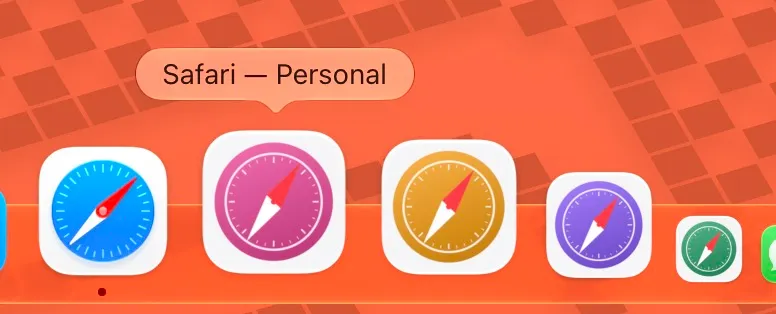
Your profiles, your colours
Each launcher has a simplified compass icon with its own coloured dial. The colour stays visible when the launcher isn’t running. You can edit the name or colour later and export it again.
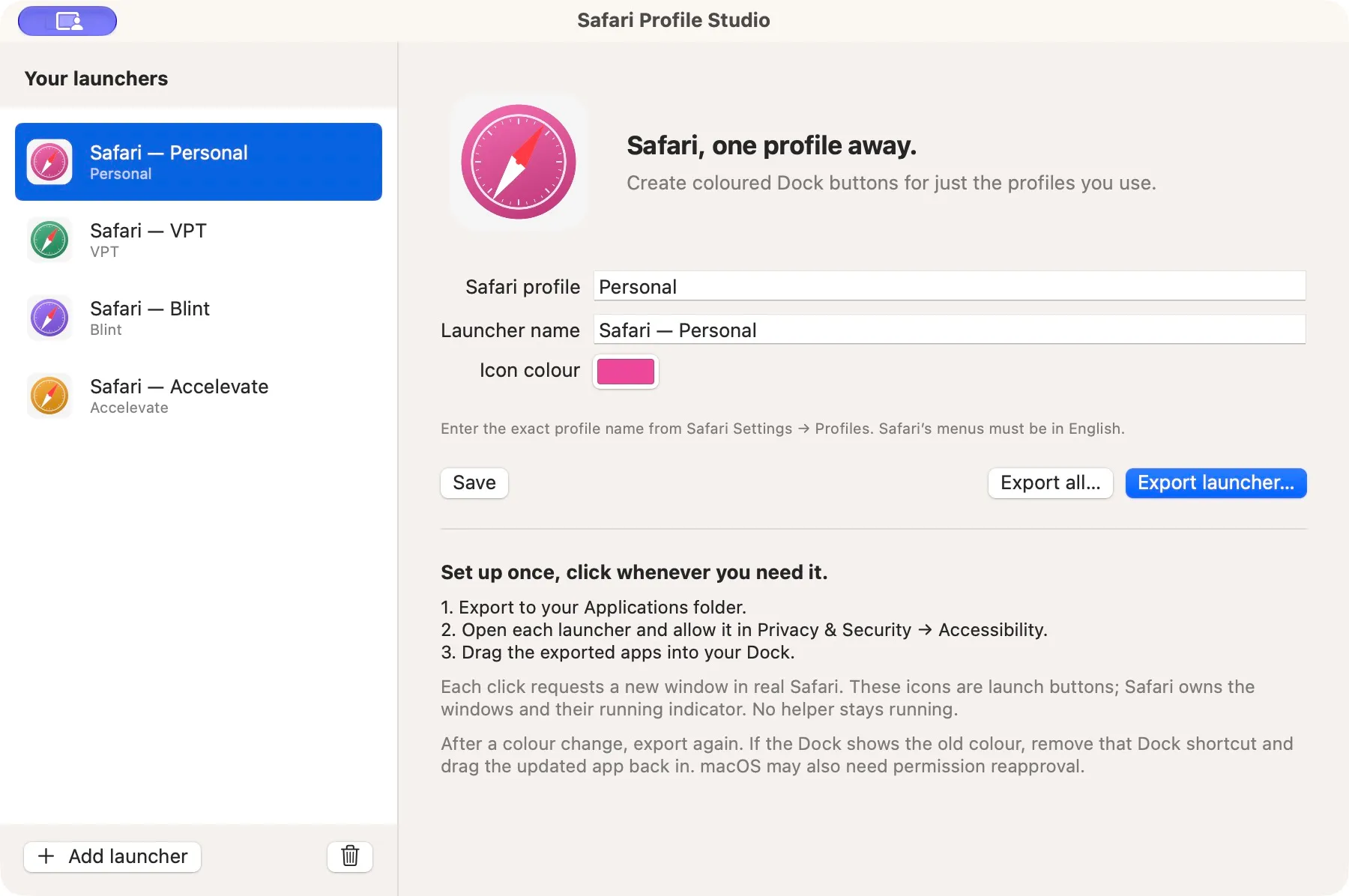
The exported apps work independently. Studio doesn’t need to stay open, and there’s no background helper. They use Safari’s own new-window commands, so your browsing stays in the real Safari app with its existing profiles, extensions and settings.
Setting it up
Open Studio, enter the exact name from Safari Settings → Profiles, and export the launcher to your Applications folder. Open that launcher once to set up its Accessibility permission, then drag it into the Dock. Each launcher needs its own permission; allowing Studio doesn’t cover the apps it creates.
On newer macOS versions, the permission is called Device Control and Data Access. If you change a launcher and export it again, you may need to remove its old permission entry and add the updated app, even if the switch is already on.
These are launch buttons. Safari still owns the windows and its running indicator; the icons don’t create separate browsers or group your windows by profile in the Dock.
Getting it
The download supports Apple Silicon and Intel Macs running macOS 13 or later, with Safari 17 or later. Safari’s menus need to be in English. Profile launching has been tested on macOS and Safari 27.2; older versions haven’t yet had the same hands-on testing.
The source and build instructions are on GitHub. The release process builds, signs and notarises Studio through GitHub Actions. The profile launchers you create locally are signed on your Mac and require their own permission setup.
Get Safari Profile Studio
Coloured Dock buttons that open the Safari profile you want