Software / Desktop app
Brainstorm
Explore image ideas with your ChatGPT subscription
- Type
- Desktop app
- Released
- Oct 2026
- Source
- Open source ↗
- Get it
- Download ↗
When I am exploring a visual idea, I want a few directions to compare. Generating one image, waiting, and starting again makes that unnecessarily slow.
Brainstorm generates several images from one brief. Compare them side by side, pick a direction, and describe what you want to change. Version 2 is a native macOS app, with support for your ChatGPT subscription alongside optional OpenAI and Google Gemini API connections.
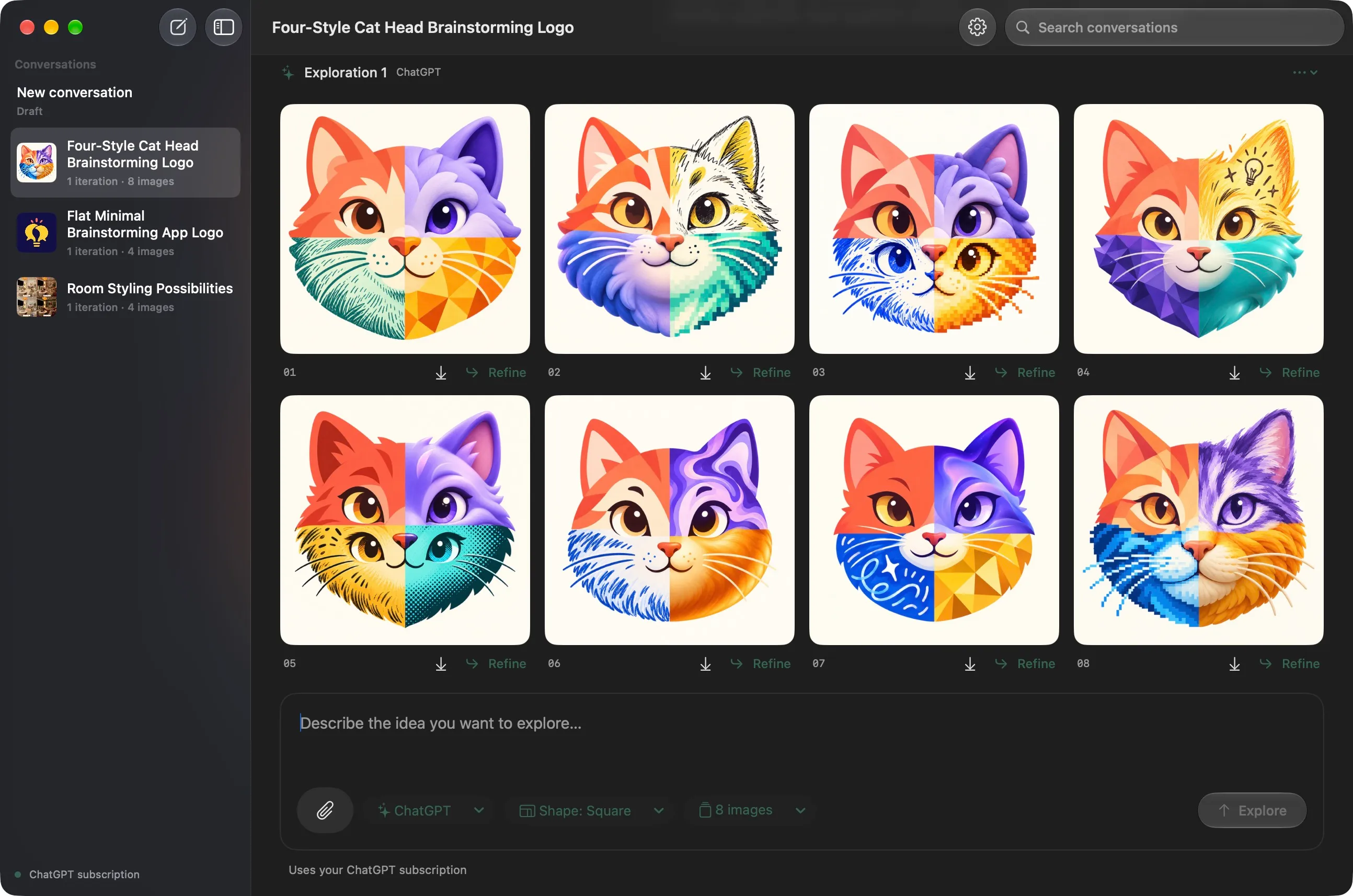
Explore several directions at once
Write a brief, choose an image shape and a count, and start a set of up to 16 images. Results appear as they finish. You can retry an individual failed image without generating the whole set again.
Attach a photo, sketch, or existing design by dragging it into the app, pasting it, or choosing a file. Select Refine beneath a result to use that image as the starting point for another set. Earlier images stay in the conversation, so it is easy to compare versions or return to a previous direction.
Use your ChatGPT subscription
Sign in with ChatGPT in Settings to use your subscription through the Codex installation on your Mac. No OpenAI API key is needed for this connection. Your plan’s usage limits apply, and image generation depends on the capabilities available to your account and installed runtime.
OpenAI API and Google Gemini API access are also available if you prefer them. Those are separate connections with their own API keys and billing; the ChatGPT connection does not switch to API credits.
Keep the useful ideas
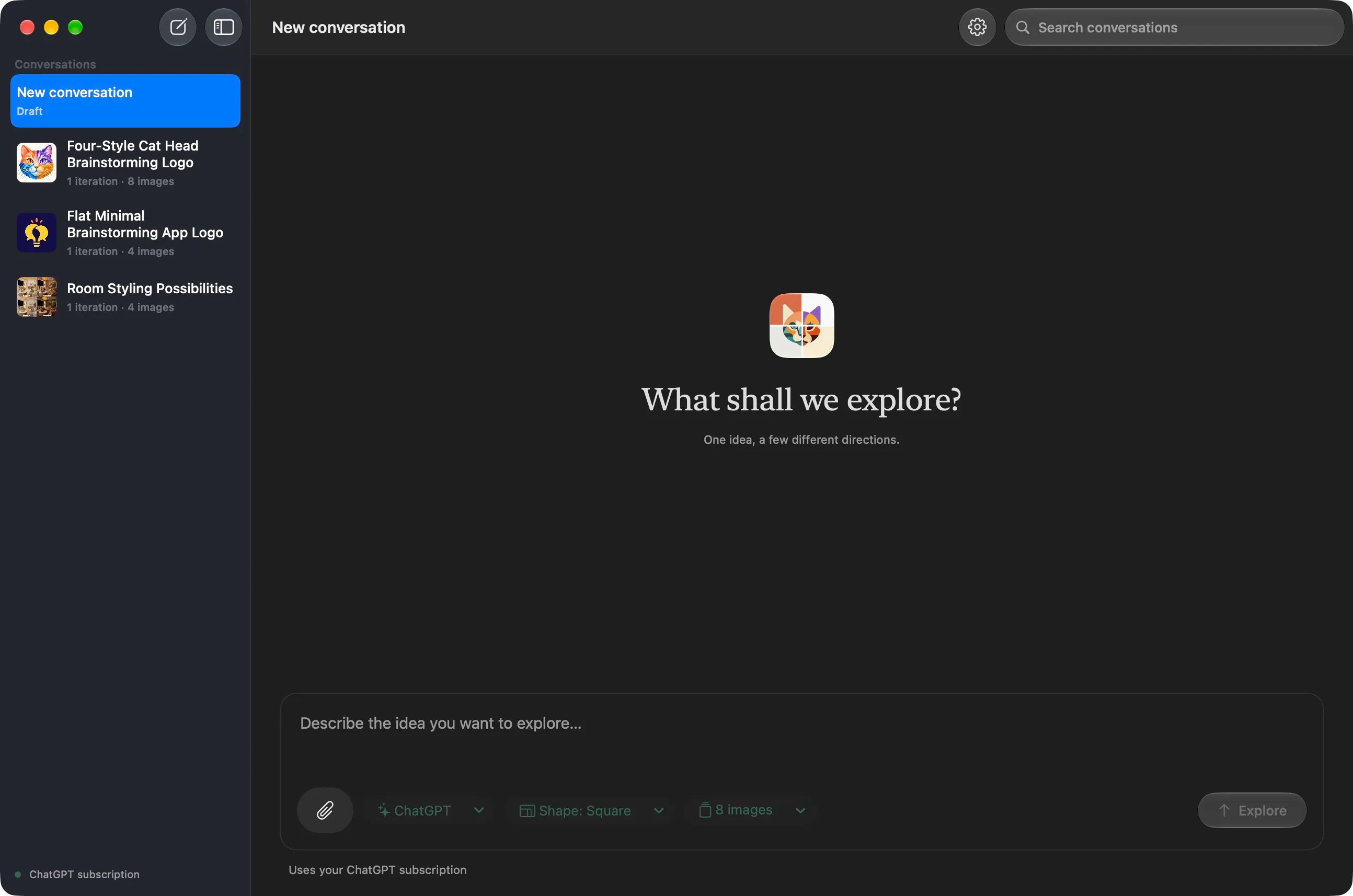
Each conversation keeps its sent prompts, reference images, and generated sets. Short generated names, image previews, and iteration counts make the sidebar easier to scan. Search includes your earlier prompts as well as conversation names.
You can also refine the wording of a brief before starting another conversation. Export individual images or a whole set when you are ready to use them elsewhere. Your library stays on your Mac; prompts and reference images go to the service you select when you request generation or prompt refinement.
Get Brainstorm
Brainstorm is free to download for Apple Silicon Macs running macOS 14 or later. Open the signed, notarised DMG and drag Brainstorm into Applications. For subscription access, install the Codex app or a ChatGPT desktop app that includes the Codex runtime, then connect your ChatGPT account in Settings.
From version 2.1, Sparkle checks for updates automatically and downloads them to install when you quit. Choose Brainstorm → Check for Updates… to install an update immediately, or change automatic update preferences in Settings. If you have version 2.0 or earlier, download and install the latest version once to enable future updates.
The version and build details are shown in Settings, so you can check which copy is running. The latest GitHub release includes a ZIP, checksums, and release notes; the source and build instructions are also available.
Version 2 uses a new library. Conversations from the earlier Electron app are left untouched and are not imported automatically. You can attach previously exported images to continue exploring them.
Get Brainstorm
Explore image ideas with your ChatGPT subscription