Brief
Local dictation that knows your projects and speaks developer

I use dictation to explain requirements, write specifications, and give feedback to coding agents. Brief is built for that conversation: it should understand the broad language of software and recognise the names of the projects I’m working on.
It pairs naturally with Blint. Blint helps organise the work; Brief helps me describe it.
Knows what you’re talking about
Brief scans a repositories folder such as ~/repos for project names and broad project types. Those names join a small, curated coding vocabulary as context for the recogniser. It helps the model hear “Blint” as a project name and understand words such as JSON and TypeScript in context.
The context guides interpretation of the audio. It doesn’t replace every “Jason” with “JSON”, and it doesn’t build an index of every dependency, class, or function.
Speak, then get the complete result
Hold the shortcut while speaking and release when you’re finished, or choose a press-to-start, press-to-stop gesture. A movable panel shows microphone activity. Recognition works on the completed recording, prioritising the final text over live transcription.
Brief inserts into the field where you started, provided the destination remains suitable and unchanged. The result stays on screen briefly with a copy button and delivery status. Recent dictation is a small recovery buffer, keeping the latest entry by default, with optional count or time limits.
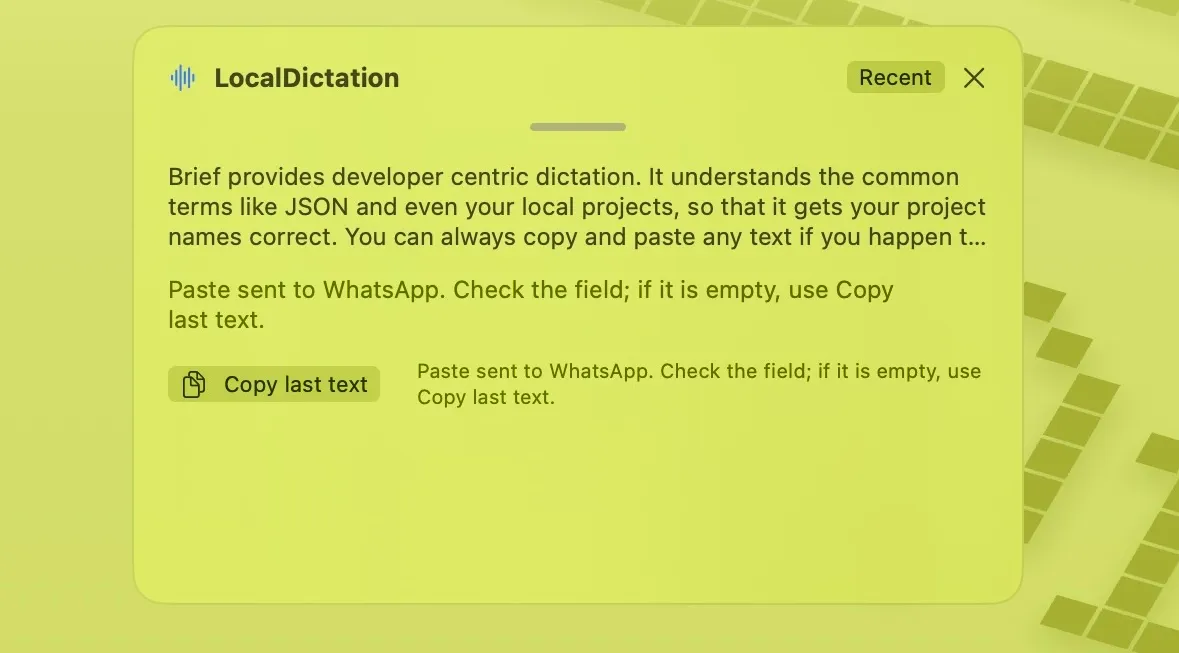
The screenshots show Brief under its earlier name, LocalDictation.
Runs on your Mac
Brief uses Qwen3-ASR locally on Apple Silicon. The app downloads the model during setup; speech recognition doesn’t upload recordings to a transcription service. Microphone access is required for recording, and Accessibility access enables insertion into other apps.
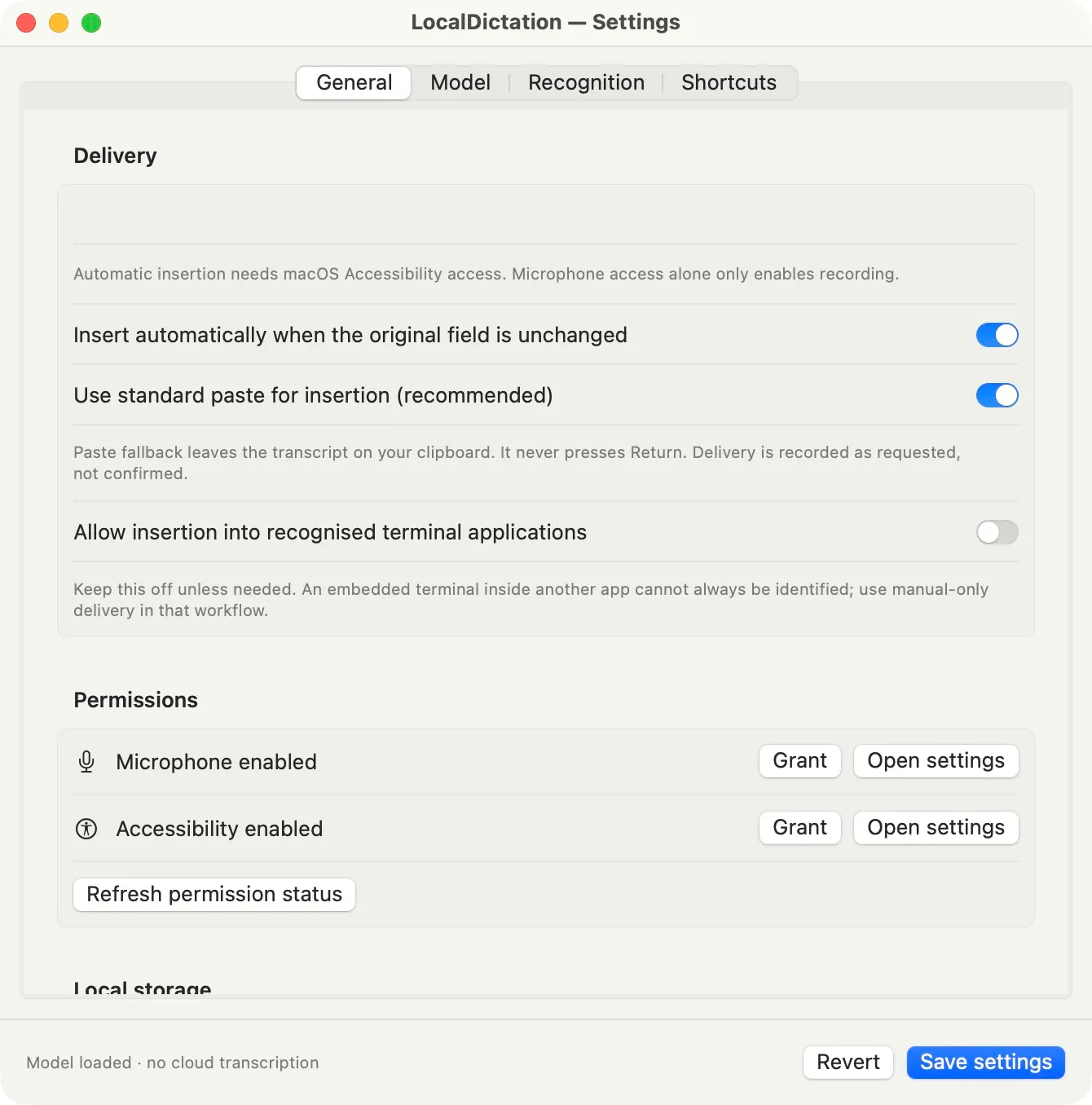
Version 1 requires macOS 14 or later on an Apple Silicon Mac. It has been tested on a newer macOS release; older supported versions haven’t yet had the same hands-on testing. Recognition quality varies with the recording, so I still review important specifications before sending them.
Download the signed and notarised app using the button above, then drag Brief into Applications. The GitHub release also includes a ZIP and checksums. Source and build instructions are available on GitHub.