Lambda Tips
AWS Lambdas can be frustrating to work with at times, be it due to outdated code or their hard to debug nature. To help with this, below are some tips:
- Debugging flags —
verboseanddryfor detailed output and side-effect-free runs - Health check action — respond to
action: "health"to report version and verify connections - Timing diagnostics — have each health response self-report cold-start and handler duration
- Scripted health checks — automate verification as part of your deploy process
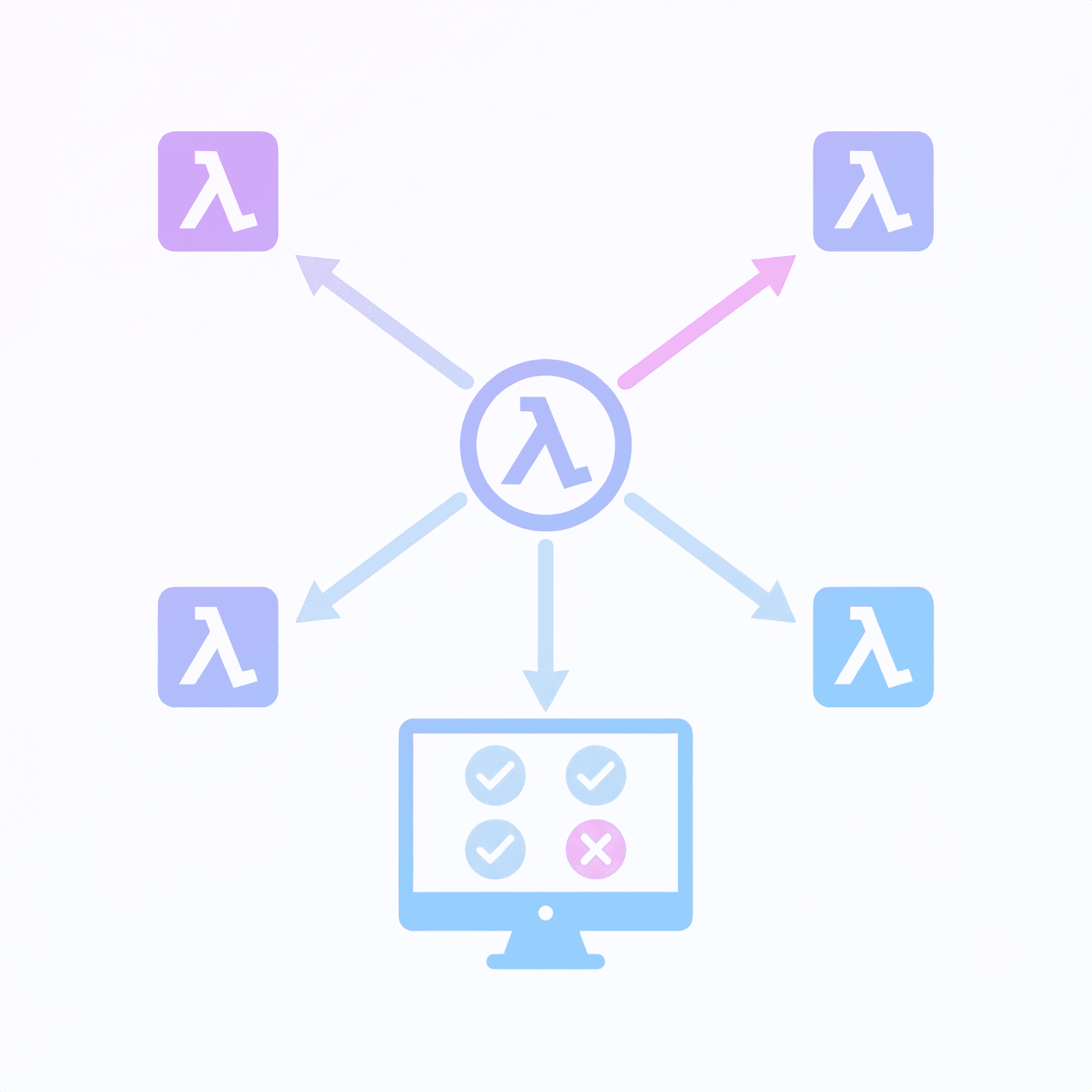
- Centralized health check — a single lambda that pings all others and compares versions
Debugging Flags
Every lambda should accept:
verbose: Have the lambda return averbosefield revealing the inner workings. A good logging strategy can make this redundant.dry: Simulate execution without side effects. This is particularly useful for lambdas that only run under certain circumstances, helping us determine if they have been met.
Admin Pages
Build admin pages that can invoke any lambda with these flags. This makes production debugging straightforward — you can test a lambda’s behavior without side effects, or get detailed output on what it’s doing.
Health Check Action
Every lambda should respond to an action: "health" message, reporting its version and optionally verifying its connections (DB, S3, etc.):
import { LambdaVersions } from "../shared/lambdaVersions";

const LAMBDA_NAME = "ProcessGeneration";

export const handler = async (event) => {
  if (event.action === "health") {
    return {
      statusCode: 200,
      body: JSON.stringify({
        lambdaName: LAMBDA_NAME,
        version: LambdaVersions[LAMBDA_NAME],
        isHealthy: true,
      }),
    };
  }

  // normal Lambda logic...
};
Keep the Health Response Separate
It is tempting to reuse a lambda’s normal response shape for the health check — same envelope, same fields, just different values. Resist this.
The health check is a different contract. It reports operational state (version, dependency connectivity, cold-start timing); the real endpoint returns business data. Unifying them forces one shape to carry both concerns, which bloats the real response with optional diagnostic fields, forces the health check to satisfy business invariants it has nothing to say about, and couples two things that evolve on very different timescales.
Treat /health as its own little API with its own types. The two interfaces sharing a lambda is not a reason to share an interface.
Centralized Version Numbers
In the above code, we pull the version from a shared version map:
// shared/lambdaVersions.ts
export const LambdaVersions = {
  CreateRequest: 3,
  ProcessGeneration: 12,
  GetStatus: 4,
} as const;
By moving to a shared package, both the backend and frontend can import allowing us to easily check whether the lambda is up-to-date.
Increment the version when you deploy changes. This lets you verify that the deployed code matches what you expect.
Timing Diagnostics
Cold starts dominate lambda latency, and they are easy to misattribute. A slow request might be the handler doing real work, or it might be the container spinning up and loading the bundle. Have each health response tell you which:
let isCold = true;

export const handler = async (event) => {
  if (event.action === "health") {
    const handlerStart = process.hrtime.bigint();
    const coldStart = isCold;
    // process.uptime() tracks seconds since Node process start. On a cold
    // start, this IS the init duration (Node spawn + module load → handler).
    const initMs = coldStart ? Math.round(process.uptime() * 1000) : 0;
    isCold = false;

    // ... run dependency checks (DB ping, etc.) ...

    const handlerMs = Math.round(
      Number(process.hrtime.bigint() - handlerStart) / 1e6,
    );

    return {
      statusCode: 200,
      body: JSON.stringify({
        lambdaName: LAMBDA_NAME,
        version: LambdaVersions[LAMBDA_NAME],
        isHealthy: true,
        coldStart,
        initMs,
        handlerMs,
      }),
    };
  }

  // normal Lambda logic...
};
Three fields, each answering a specific question:
coldStart— was this a fresh container, or a reused one?initMs— how long did the container take to become ready? This is the penalty paid for bundle size and top-level side effects.handlerMs— how long did the handler itself run?
The client calling the health check already knows the total wall-clock time. With these three fields, it can derive everything else:
overheadMs = totalMs - initMs - handlerMsoverheadMs captures network + load balancer + lambda-assignment time — everything outside your code.
When a lambda feels slow, the breakdown tells you where to look:
- High
initMs→ your bundle is too big, or top-level imports are doing too much work - High
handlerMs→ the endpoint itself is slow (DB, downstream API, computation) - High
overheadMs→ infrastructure, not your code
Without the split, you are guessing.
Scripted Health Checks
With health checks in place, you can automate verification as part of both your LocalStack deploy and your remote AWS deploy. A single script can handle both by accepting an optional endpoint URL — when provided, it targets LocalStack; when omitted, it uses your standard AWS credentials:
#!/bin/bash
ENVIRONMENT=$1
ENDPOINT_URL=$2  # Optional: pass for LocalStack, omit for AWS

AWS_ARGS=()
if [ -n "$ENDPOINT_URL" ]; then
  AWS_ARGS+=(--endpoint-url "$ENDPOINT_URL")
  AWS_ARGS+=(--region "${AWS_REGION:-ap-southeast-2}")
fi

LAMBDAS=("orchestration" "fetch-ingest" "push-ingest" "recovery")

for NAME in "${LAMBDAS[@]}"; do
  FUNC="my-app-${ENVIRONMENT}-${NAME}"
  aws lambda invoke "${AWS_ARGS[@]}" \
    --function-name "$FUNC" \
    --payload '{"action":"health"}' \
    --cli-binary-format raw-in-base64-out \
    /tmp/health-$NAME.json >/dev/null 2>&1

  # Parse response, compare version, print result...
done
Call it at the end of your deploy scripts so issues are immediately visible:
# LocalStack deploy
./test-lambda-health.sh local http://localhost:4566 || true

# Remote deploy
./test-lambda-health.sh dev || true
This catches misconfigured environment variables, missing dependencies, and bundling issues before you start manually testing.
With version comparison and colour-coded output, the results are easy to scan at the end of a deploy:
  ✓ my-app-local-orchestration: OK (v14)
  ✓ my-app-local-fetch-ingest: OK (v17)
  ✗ my-app-local-push-ingest: UNHEALTHY (status: error)
  ✓ my-app-local-mqtt-ingest: OK (v13)
  ✓ my-app-local-recovery: OK (v13)
  ✓ my-app-local-sensor-health-check: OK (v1)
  ✓ my-app-local-aggregation: OK (v1)

  Results: 6 passed, 0 version mismatch, 1 failed (7 total)
Centralized Health Check
To make it easier to determine the overall health of the system, including any private lambdas, create a single lambda that pings all others and aggregates their status:
import { LambdaClient, InvokeCommand } from "@aws-sdk/client-lambda";
import { LambdaVersions } from "@myMono/shared/lambdaVersions";

const lambda = new LambdaClient({});
const lambdaNames = Object.keys(LambdaVersions);

async function check(functionName) {
  const res = await lambda.send(
    new InvokeCommand({
      FunctionName: functionName,
      Payload: JSON.stringify({ action: "health" }),
    }),
  );

  return JSON.parse(new TextDecoder().decode(res.Payload)).body;
}

export const handler = async () => {
  const results = await Promise.all(lambdaNames.map(check));

  return {
    statusCode: 200,
    body: JSON.stringify({ lambdas: results }),
  };
};
Admin UI
Call the health check from your admin UI and compare reported versions against expected:
import { LambdaVersions } from "@myMono/shared/lambdaVersions";

function VersionRow({ name, reported }) {
  const expected = LambdaVersions[name];
  const mismatch = expected !== reported;

  return (
    <div className={mismatch ? "warning" : "ok"}>
      {name}: {reported} {mismatch && `(expected ${expected})`}
    </div>
  );
}