AI image generators are great at producing a single image from a prompt, but creative work rarely starts with one attempt. You write a prompt, wait for the result, tweak, regenerate, compare. The back-and-forth is slow when you’re exploring a visual direction rather than chasing a specific output.
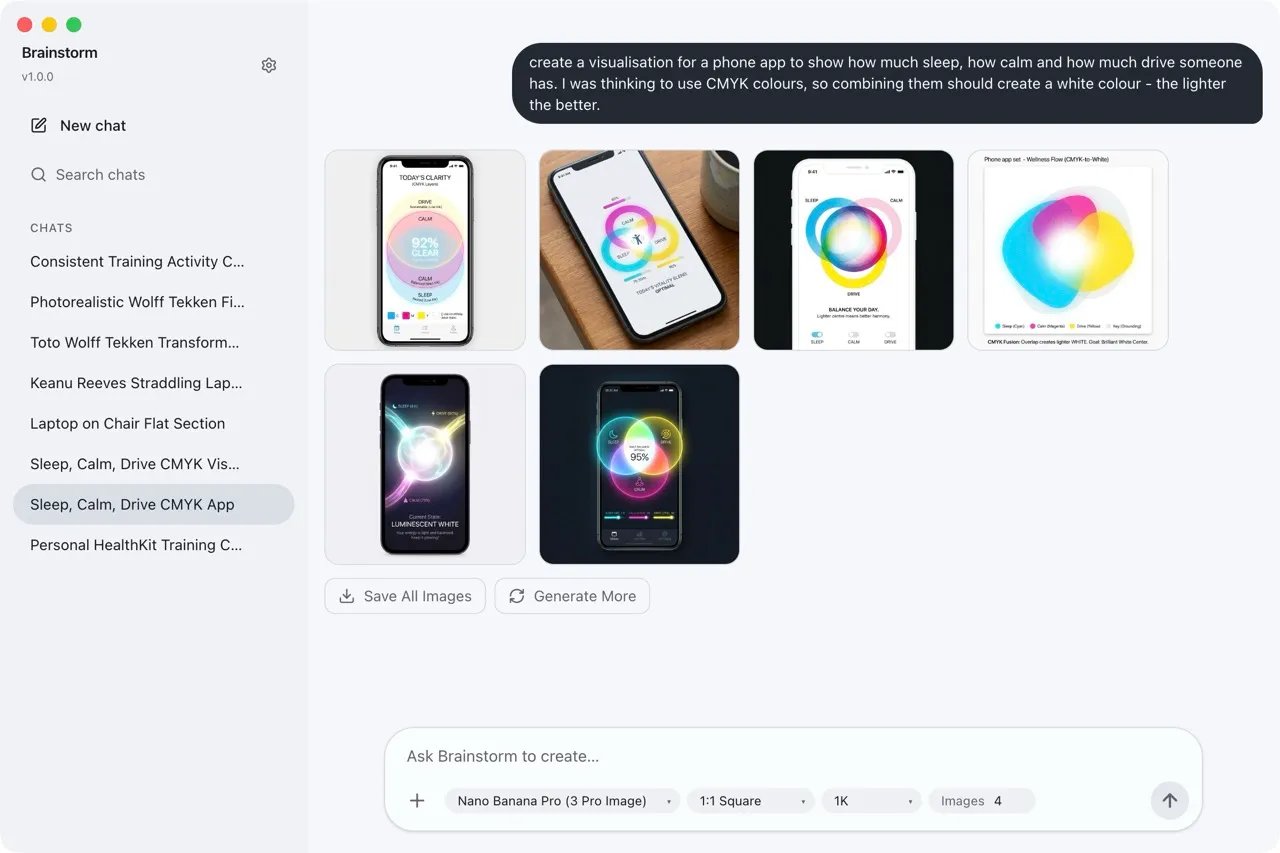
Brainstorm speeds this up by generating multiple images from a single prompt in one pass. Describe what you’re after, set how many variations you want, and get a batch of results to compare side by side.
How it works
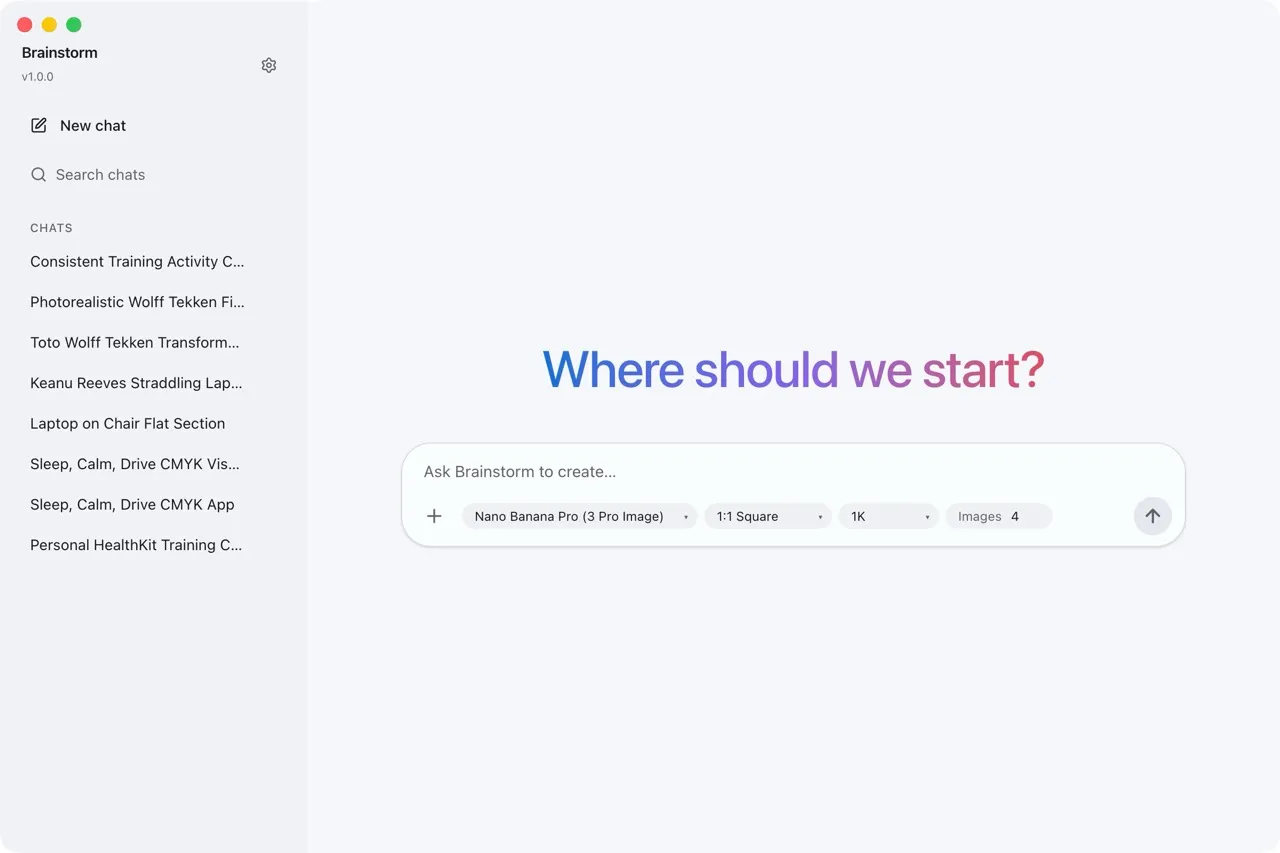
Brainstorm is an Electron desktop app built on Google Gemini’s image generation models. The interface is a chat — you type a prompt, pick your settings, and hit send. Instead of returning one image, it generates several at once so you can quickly scan for the directions worth pursuing.
The key settings are:
- Model — choose which Gemini model to use
- Aspect ratio — square, landscape, portrait, or custom
- Resolution — from quick drafts to high-res finals
- Image count — how many variations to generate per prompt
Once you have results, you can keep the conversation going. Ask for tweaks, describe changes, or attach a reference image to steer the next batch. The full chat history is preserved, so the model has context from earlier turns.
Conversations, not one-shots
Each generation session is a conversation with auto-generated titles for easy recall. This makes Brainstorm useful beyond one-off generation — you can return to a previous session, pick up where you left off, and continue refining.
You can also attach reference images to guide the output. Upload an existing design, a sketch, or a photo, and use it as context alongside your text prompt.
Getting started
Brainstorm requires a Google Gemini API key. Grab one, clone the repo, and you’re up and running:
yarn install
yarn start
Built executables are available via yarn make, and the project includes GitHub Actions for automated signed macOS builds.
See the GitHub repo for full setup instructions.